RankThat Site Audit: 100+ Checks, Each With a Fix
BY THE DHM TEAM4 MIN READ
On this page, 07 sections
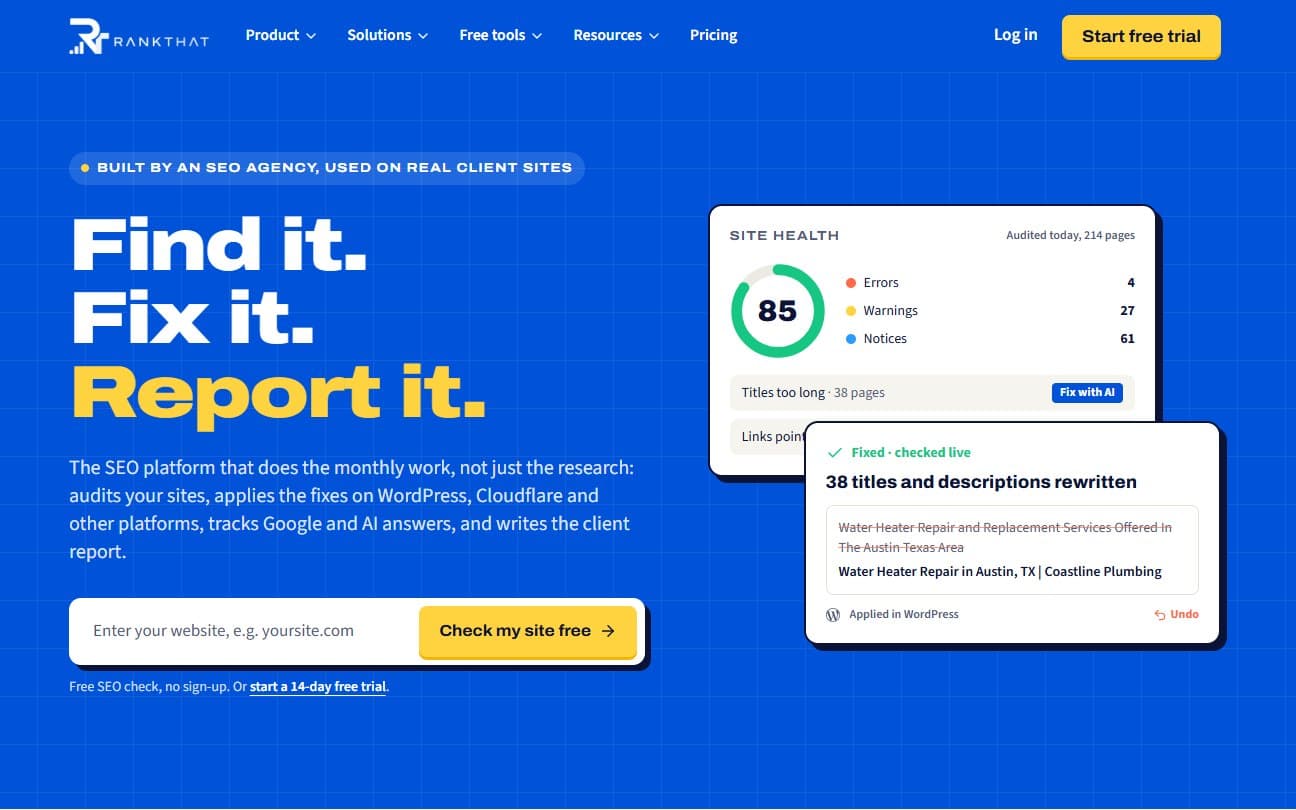
Most site audit tools stop at a list of problems. The list is useful, but somebody still has to work out which problems cost money, write the fixes and put them live. That second half is where the hours go, and it is the half RankThat was built for.
After introducing RankThat, this post covers its site audit and the four ways its fixes reach a website.
Mini or full
There are two kinds of audit:
- Mini audit: up to 50 pages, usually done in one to three minutes. Good for a quick health check or a sales call. Available on every plan.
- Full audit: up to 500 pages (200 by default), for the monthly audit of a client site. Available on the Professional and Enterprise plans.
You don't have to remember to run it. Every project with Search Console connected or keywords tracked is audited automatically on the 1st of each month, unless it was audited in the previous 20 days, and that audit feeds the monthly report.
What it checks
The checks cover crawlability, on-page basics, content, links, speed and Core Web Vitals, security, structured data and AI readiness, which means whether AI crawlers are allowed in and whether the site has an llms.txt file. Speed is measured with Google Lighthouse on mobile and desktop, three runs each, keeping the middle result so one slow run doesn't swing the score.
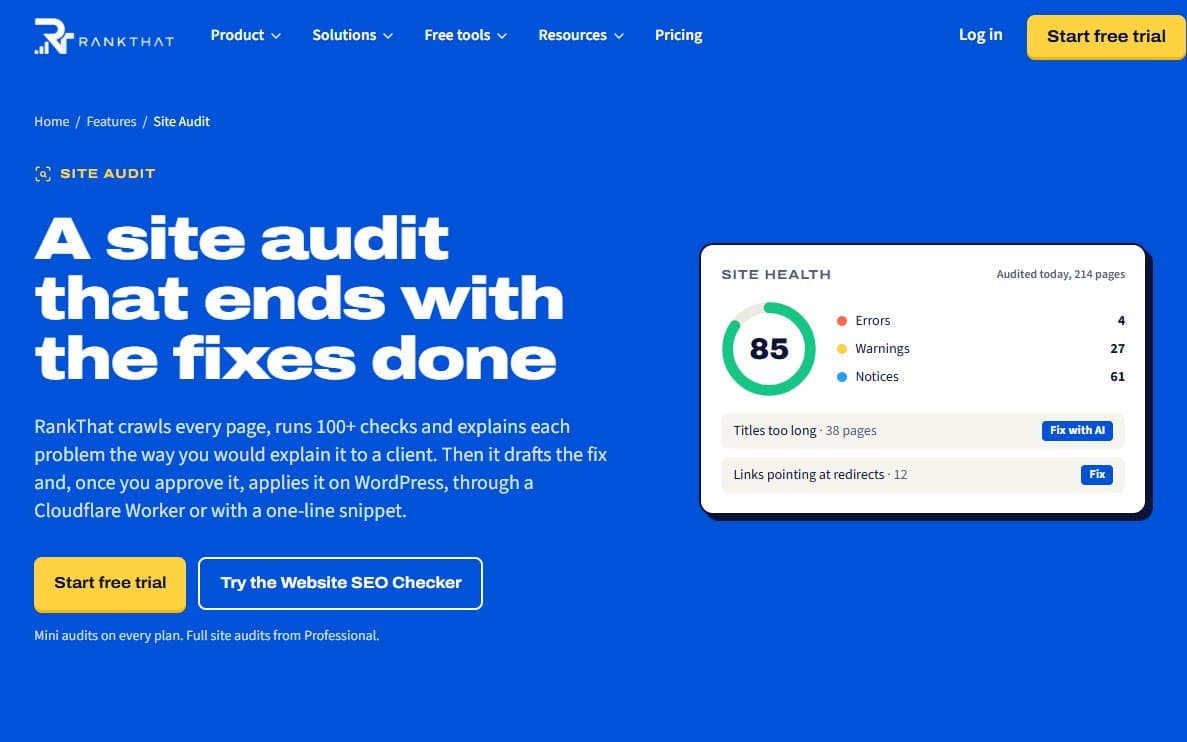
Every issue says why it matters and how to fix it, and lists the pages affected. The report opens on an action plan: the top priorities, a 30, 60 and 90-day plan, quick wins, and a "What's working" list, which helps in client meetings because it isn't all bad news. Each audit is also compared with the last one, so you see what got fixed and what's new.
A crawler that plays fair
RankThat crawls as RankThatBot and says so in its user agent. It follows robots.txt, requests at most four pages at a time, never submits forms, never logs in, and never follows add-to-cart or WordPress admin links. On a small online store, those rules matter.
It also never tries to get past bot protection. If a firewall blocks it, there are three ways forward: on WordPress, the Bridge plugin sends the pages from inside the site; other sites are audited from public archives, with every finding dated; or you allowlist RankThatBot so the next audit crawls normally.
From issue to fix
Click Fix with AI on an issue, or Fix all to put every fixable issue into one review. RankThat drafts the fixes, usually in 20 to 60 seconds. Then:
- You review each draft, edit any line and untick anything you don't want.
- You click apply. Nothing changes on the site before this.
- Each change is recorded with what it replaced.
- From day 14, Opportunities shows how the page did in Google before and after.
Four ways fixes go live
How a fix reaches the site depends on how the site is built.
WordPress: the Bridge plugin
The free RankThat Bridge plugin covers the most because it works inside WordPress. It writes titles and descriptions into the SEO plugin you already use (Rank Math, Yoast or SEOPress), redirects pages that return a 404, updates links that point at redirects, adds schema and llms.txt, writes alt text, compresses heavy images, adds links to orphan pages, and can add a mobile call or book bar and tappable phone numbers.
It connects out from WordPress instead of waiting for RankThat to connect in, so it keeps working behind firewalls and security plugins. After each change it clears the page cache.
Sites on Cloudflare: a Worker
If the domain runs through Cloudflare (the free plan is enough), a Cloudflare Worker applies your approved changes as each page is served: titles and descriptions, page and Organization schema, alt text, 301 redirects, link updates, security headers, llms.txt and AI crawler rules in robots.txt. Remove the Worker's route and the site goes back exactly as it was.
Everything else: a one-line snippet
Webflow, Wix, Squarespace and custom sites can add one line to the site's head, which applies titles, descriptions, canonical tags, schema and alt text in the browser. Google renders JavaScript, so it reads the changes, but crawlers that don't, many AI crawlers among them, see the original page. The snippet can't do redirects, security headers, llms.txt or robots.txt either, so if the domain can use Cloudflare, the Worker is the better choice.
Shopify: an app, coming soon
The RankThat Shopify app is coming soon to the Shopify App Store. It is built and in testing, and will apply titles and descriptions on products, collections, pages and blog posts, plus redirects and alt text, through Shopify itself, with undo. Until it is listed, Shopify stores use the snippet.
Anything a route can't apply still appears in the audit, with why it matters and how to do it by hand.
Undo, and the live re-check
Before any change, RankThat keeps what was there, and undo puts it back in one click. If someone has edited the same thing since, undo leaves the newer version alone, so a rollback never wipes out later work.
After a fix on WordPress or through the Worker, RankThat loads the live page to check the change is really there, because a cache, a theme or another plugin can quietly undo it. The snippet is the exception: its changes happen in the browser, so RankThat suggests confirming them with the URL Inspection tool in Google Search Console.
Try it on your own site
The free Website SEO Checker runs a one-page check with no account, and every RankThat plan starts with a 14-day free trial.
If you'd rather someone else ran the audit and the fixes, that is our SEO service, and our free audit is a RankThat audit of your site, with a call to go through it.
Next in this series: whether ChatGPT, Gemini and other assistants recommend you.